clutch.
till the neural intent wristbands drop in price, or Apple Watch opens more capabilities
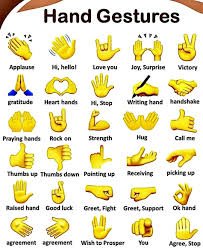
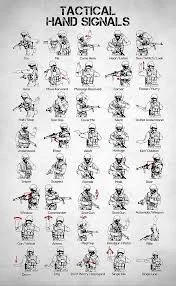
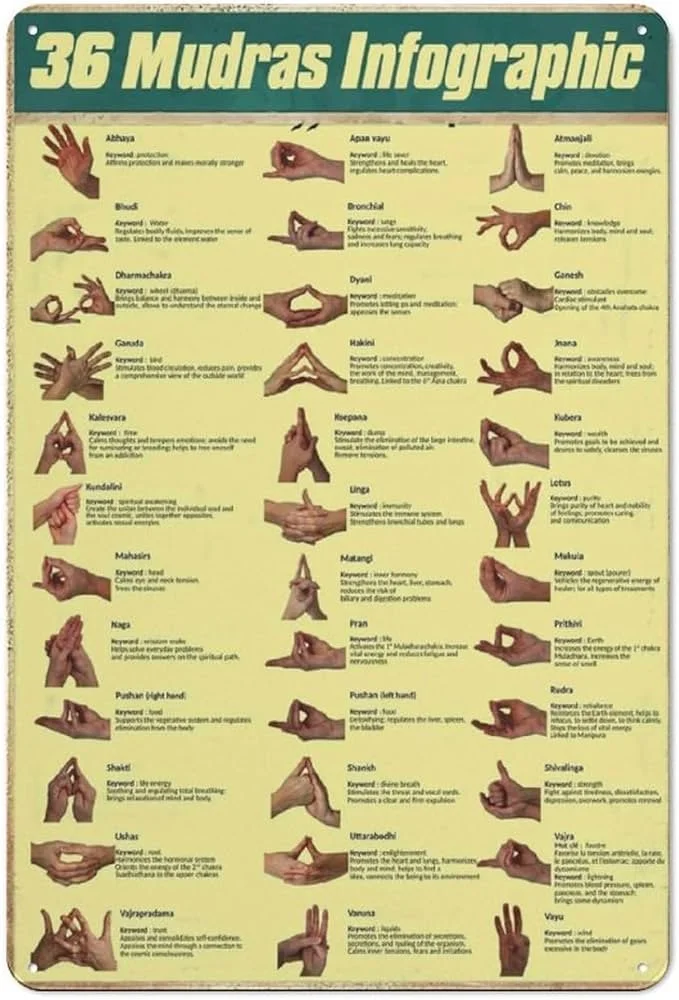
then you can execute sequences with hand signals without having to move your hands.
https://www.youtube.com/watch?v=QJNub1vjqGo
”Excited to share that Surface Keyboard & Touchpad is now available on Meta Quest 3 via the v85 PTC Early Access channel under Experimental Features.
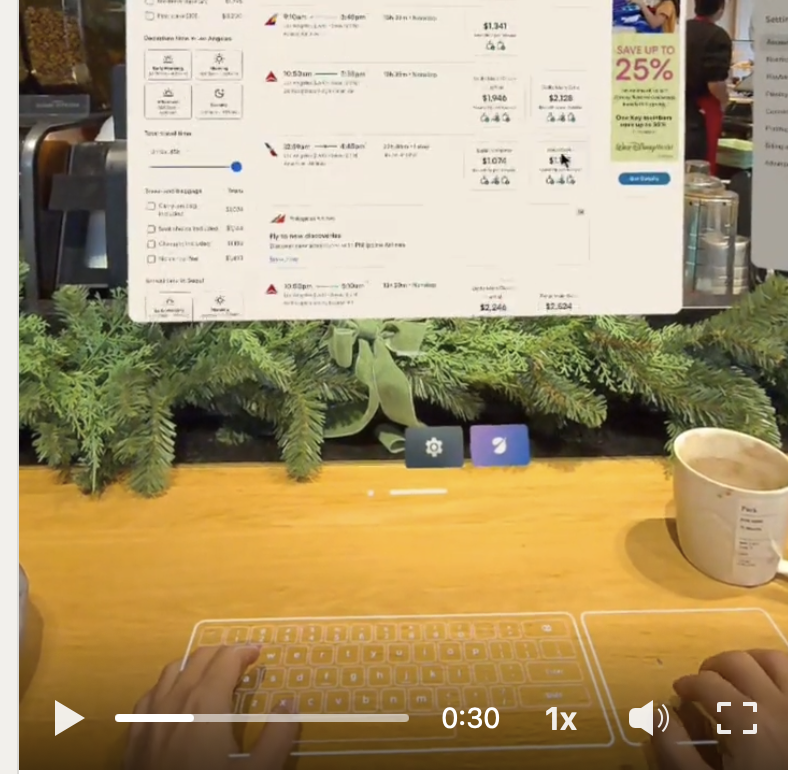
Surface Keyboard turns any physical surface into a typing area, enabling all-finger input and higher text-entry throughput than index-finger-only floating keyboards. Just like a physical keyboard, you don’t have to look down. You can keep your gaze forward and type naturally. That moment, when typing simply works without visual attention, feels surprisingly magical. (Hunt-and-peck typing is supported as well.)
Surface Touchpad introduces a trackpad-like interaction model, enabling precise control of UI elements with a mouse cursor and familiar gestures such as two-finger scrolling. This is especially valuable for smaller or denser interfaces, such as interacting with color pickers or font dropdowns that are difficult to target with hand rays or controller rays.
Rather than replacing physical Bluetooth keyboards or trackpads, these input modalities are designed for on-the-go productivity. They support quick chat replies, short-form email writing, web searching and browsing, and other lightweight tasks where carrying extra devices isn’t ideal.
As an experimental feature, this is very much a work in progress. There are known limitations in performance, recognition, and feedback, and we see this release as an opportunity to learn in the open.
Grateful to the incredible partners and colleagues I had the privilege to work with on this effort. Advancing input and interaction in spatial computing consistently requires deep collaboration across design, engineering, and research, and it was this shared commitment that made it possible to bring what once felt like science fiction into reality.
Below is a quick video I captured in a coffee shop and on a flight, demonstrating Surface Keyboard and Touchpad in everyday computing scenarios. If you have a Meta Quest 3, give it a try yourself.
* How to join Meta Quest Early Access PTC (Public Test Channel):
https://lnkd.in/gRS3n6Xc
* Go to Settings > Experimental > Surface Keyboard
* Only supported on Quest3 (Not 3S)”
- Yoon Park
Source
https://www.linkedin.com/posts/cre8ivepark_metaquest-spatialcomputing-inputinteraction-activity-7423127461087064064-xveq